
One platform to capture, organise, and control your documents
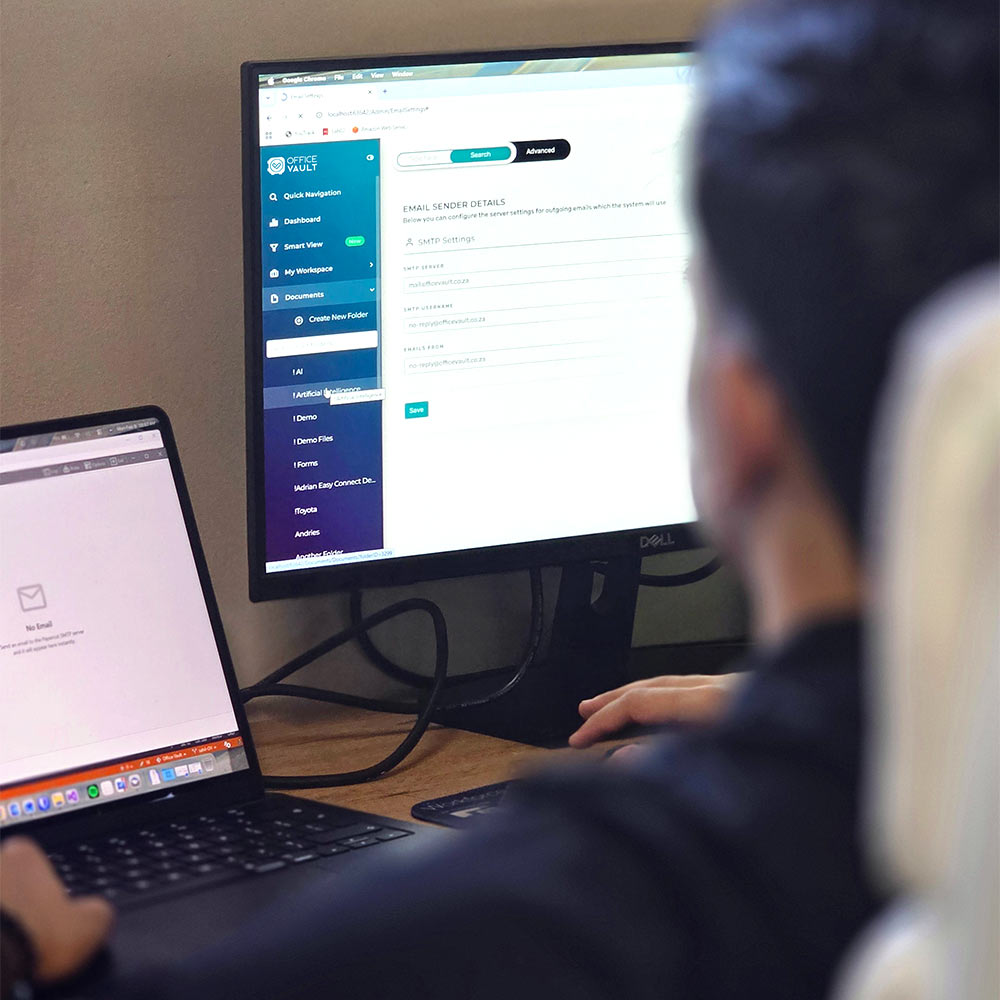
Office Vault is a cloud-based document management platform that centralises how your business captures, stores, and works with documents.
Documents can enter the platform from scanners, email, or uploads. From there, Office Vault automatically organises, indexes, and secures them — making information easy to find, easy to manage, and easy to trust.
No scattered folders. No duplicated work. No document chaos.
AI & OCR Explained
Office Vault uses Artificial Intelligence (AI) and Optical Character Recognition (OCR) to automate the most time-consuming parts of document management, while keeping people in control where accuracy matters.

AI understands the structure and context of documents. It identifies document types, extracts key information, and routes documents to the right place — without rigid templates or constant setup.
AI helps your team work faster by doing the heavy lifting behind the scenes.
.svg)
OCR reads text from scanned documents, images, and PDFs, turning them into searchable, usable digital files.
This means no more manual typing, no more guessing, and no more time wasted searching for information.

Keeping you compliant is priority for us
Office Vault supports POPIA requirements by protecting personal information, controlling access, and ensuring data is handled responsibly throughout its lifecycle.
For businesses handling international or sensitive data, Office Vault provides the access controls, auditability, and data governance needed to align with GDPR principles.

Every action is logged — from access to edits to approvals. Office Vault provides clear, exportable audit trails that support audits, reviews, and investigations.
Fits into the tools you already use
Scan documents directly into Office Vault from your existing multifunction printers — no additional steps required.

Automatically capture and file documents sent to dedicated email addresses, keeping inboxes clean and documents organised.
Synchronise folders and protect critical files with automated backups and disaster recovery readiness.
Export structured data into ERP, accounting, or reporting systems to reduce double capturing and improve accuracy.
Fast to deploy. Easy to adopt. Fully supported.

We understand your document workflows and configure Office Vault to match how your business operates.

AI, OCR, rules, and permissions are set up to suit your documents, volumes, and compliance needs.
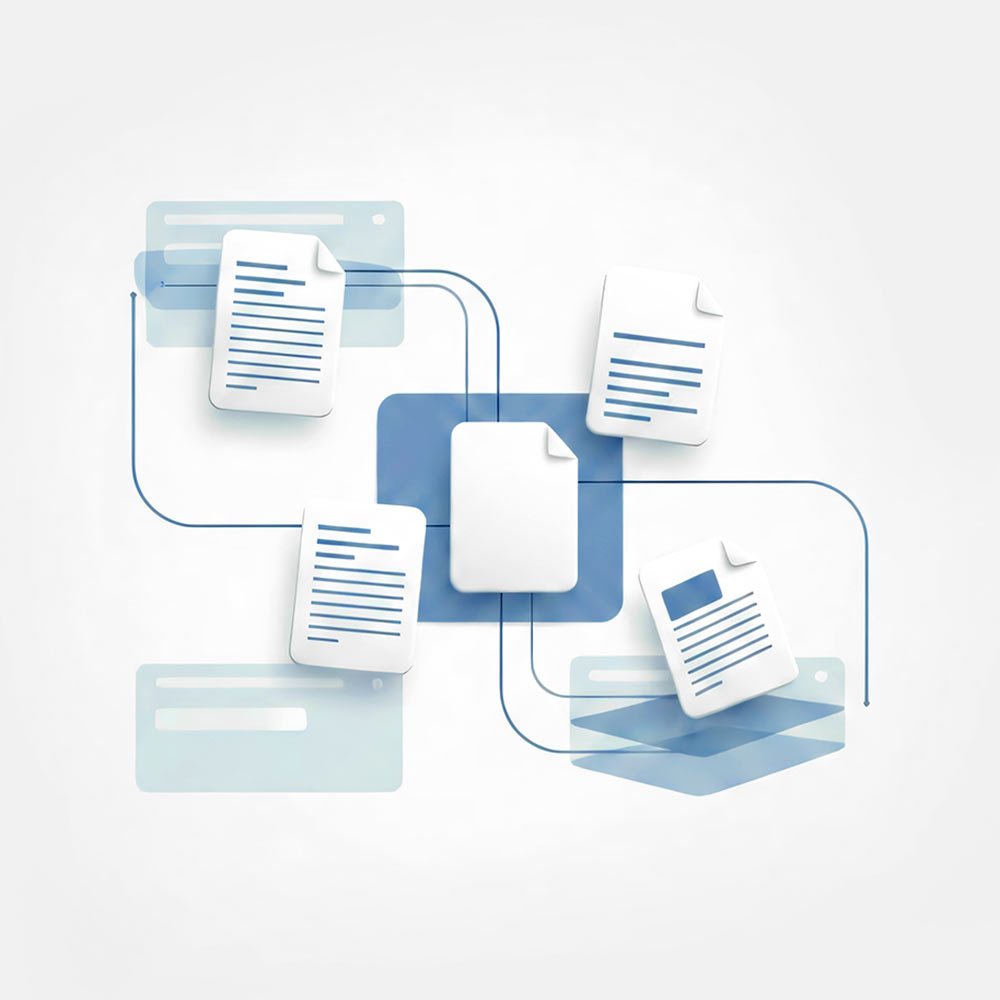
Short, practical training ensures your team is confident and productive quickly.
Ongoing support, guidance, and optional professional services ensure long-term success.